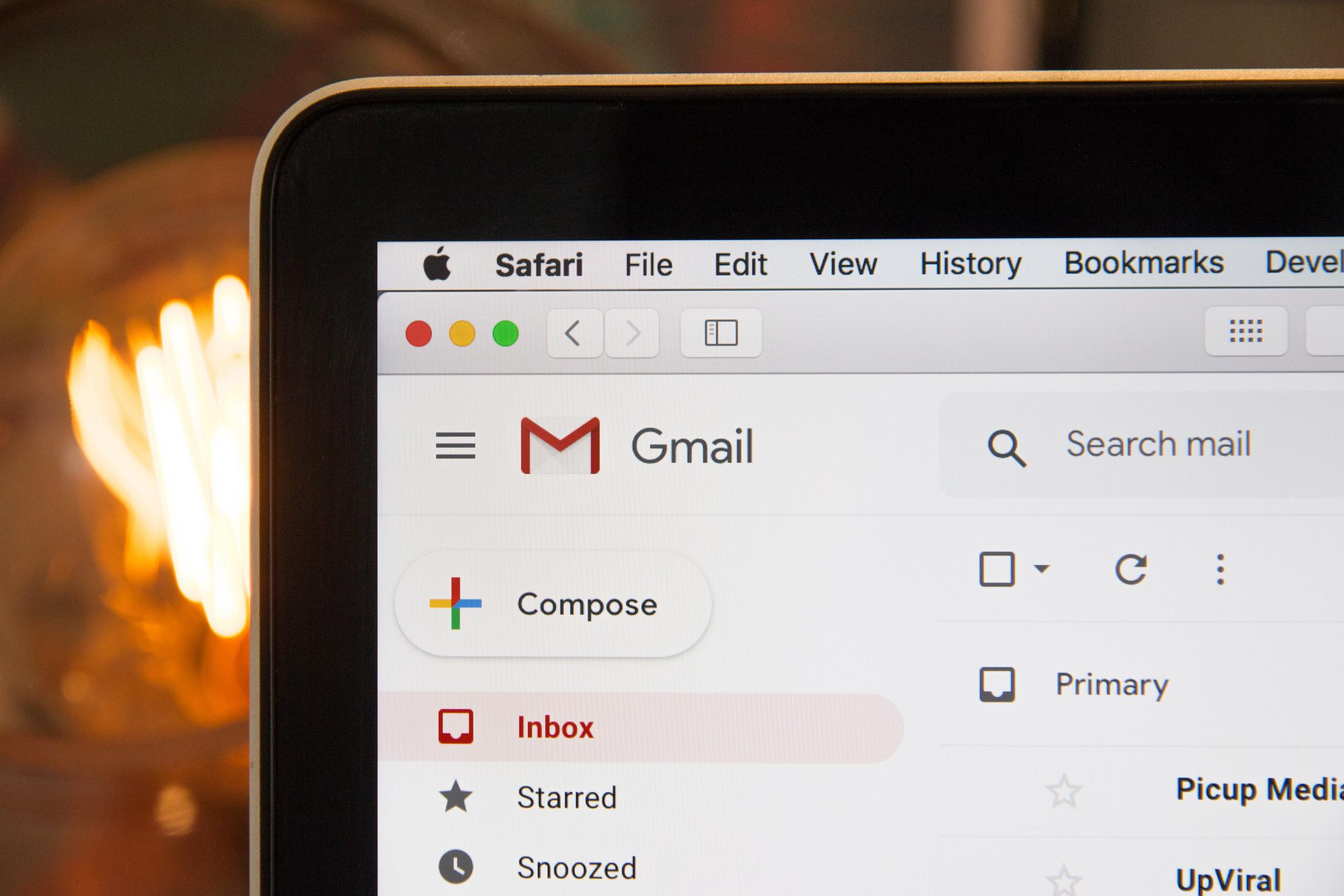
This Facebook Ads Mistake That Must Be Avoided By Everyone
TL;DR - Key Takeaways
- The #1 reason Meta ads underperform isn't targeting or creative — it's broken conversion tracking
- Meta can only optimize for what it can actually see; if your conversions are invisible to it, your campaign flies blind
- Google Forms, third-party landing pages, and missing thank-you pages all break the feedback loop
- A properly connected campaign requires three things: a website-hosted form, a confirmation page, and a fired conversion event
- Meta's native instant forms can work for simple, low-friction offers — but they're not the long-term solution for high-ticket or high-consideration conversions
Introduction: The Ad Isn't the Problem
If you've ever run a Facebook or Instagram ad and thought, I don't know if this is actually working — there's a good chance it wasn't.
And here's the frustrating part: it probably had nothing to do with your targeting. Nothing to do with your creative.
Nothing to do with your offer.
It had everything to do with what I call the invisible gap — the silent space between your ad click and the conversion that Meta never actually saw. After 14 years of running ads on this platform and helping our clients generate over $300 million in revenue, I've watched this single issue cost business owners thousands of dollars before anyone caught it.
The fix? Less than an afternoon once you know what you're looking for.
How Meta's Algorithm Actually Works — And Why It Matters
To understand the problem, you have to understand how Meta operates under the hood.
When you launch a campaign, Meta doesn't just show your ad to everyone. It starts testing — different ages, devices, behaviors, locations, times of day. It's observing constantly, asking: who actually completes the action I'm optimizing for?
When someone converts — fills out a form, registers for an event, downloads a guide — Meta notes everything about that person. It looks at roughly 2,700 data points in their profile and starts finding other people who look like them.
Over time, it builds a model. The campaign gets smarter. Your cost per lead goes down. Lead quality improves. The whole machine starts to compound.
It's genuinely one of the most sophisticated targeting technologies I've seen in 35 years of being in business — and it's available to small business owners. But here's the catch:
Meta can only learn from the conversions it can actually see.
If your conversion happens somewhere Meta can't observe — a Google Form, a third-party registration page, a website without proper tracking installed — the loop breaks. Meta sends traffic. People convert. But Meta gets zero signal back. It has no idea who converted, so it can't improve the model.
Instead of optimizing for leads or sales, it just keeps optimizing for the only thing it can see: clicks. And now you're spending money to get the wrong signal entirely.
What the Invisible Gap Looks Like in the Real World
Here's a scenario I see constantly.
A business owner wants to run a campaign driving people to register for a webinar. They build a Google Form — it's free, it's familiar, it takes two minutes to set up. Makes sense, right? Except Google Forms don't have a customizable confirmation page. There's no URL change when someone submits the form. And that URL change is exactly how Meta's pixel — or its more advanced counterpart, the Conversion API — knows that someone did the thing you wanted them to do.
So the campaign runs. People click. Some fill out the form. But from Meta's perspective, zero conversions happened. It saw clicks and nothing else. So it keeps optimizing for clicks — and you keep spending money on traffic that never closes the loop.
I talked with another business owner who had their entire campaign set up through GoDaddy. No tracking on the back end. And worse, they were running a traffic campaign hoping to get leads. When I looked at the data, I told them: the campaign is doing exactly what you set it up to do. They weren't happy to hear that. But it was true.
What a Properly Connected Campaign Actually Looks Like
This isn't complicated once you understand the principle. Here's what has to be in place — every single time you launch:
Step 1: The form lives on your website. Not a third-party platform, not a Google Form, not an external registration tool disconnected from your tracking. Your website is home base. It's where your Meta Pixel or Conversion API is installed. That's where the signal originates.
Step 2: Form submissions redirect to a thank-you page. When someone submits the form, they need to land on a confirmation page — something as simple as "Thank you for registering" is enough. This page is where the conversion gets recorded. No confirmation page means no signal.
Step 3: A conversion event fires when someone lands on that thank-you page. This is where most people fall short. They'll install the pixel, maybe even confirm it's tracking page views, and then stop there. But the conversion event — the specific signal that tells Meta this person did the thing — never gets fired. That's the missing piece.
When all three are in place, here's what happens over time:
-
Meta sees who converted and notes everything about them
-
It matches those people to others in its network who share similar profiles
-
Your cost per lead decreases as the algorithm gets smarter
-
Lead quality improves because Meta is now targeting the right people
-
The campaign compounds — more of the right people, fewer of the wrong ones
That's what optimization actually looks like. And none of it happens if the loop is broken.
A Note on Campaign Objectives (Don't Skip This)
While we're here, I want to address something I see business owners get wrong even before the tracking conversation starts.
Never run a campaign objective that doesn't match your end goal.
Don't run a traffic campaign hoping to get leads. Traffic campaigns get you traffic. Don't run a brand awareness campaign and expect purchases. Meta is smart enough to know which users fit which behavior patterns — people who just browse, people who click, people who buy. When you pick the wrong objective, Meta goes looking in the wrong pool from day one.
Pick the objective that matches the outcome you want. It sounds obvious. It's not common practice.
What About Meta's Native Lead Forms?
I get this question often, so let me address it directly.
If you don't have a website yet — or you don't have the technical setup in place — Meta does offer native instant forms. These allow someone to fill out a lead form without ever leaving the platform. Their information auto-populates. It's frictionless.
And that frictionlessness is exactly the problem for high-ticket or high-consideration offers.
In our experience running campaigns since 2012, the leads that come through instant forms — particularly for complex, higher-value services — simply don't carry the same level of intent. When someone doesn't have to leave the platform, click through to a website, and intentionally fill out a form, they often haven't made a real decision yet. The barrier is too low.
That said: if you're just getting started, instant forms are a reasonable place to begin. If you're a local business looking for call-in leads, there are scenarios where they work fine. But they're not the long-term infrastructure for a campaign built to grow.
Start there if you need to. Don't stay there.
The Mental Model I Want You to Walk Away With
Running a Meta ad without proper conversion tracking is like planting a seed in the ground and never watering it. You did the work. You spent the money. But you left out the piece that makes the whole thing grow.
The invisible gap isn't glamorous. It's not the part of marketing that gets talked about at conferences or featured in case studies. But it is the difference between a campaign that spends your budget and a campaign that builds your revenue.
If your ads have felt like a black hole — if you've blamed the targeting, questioned the creative, or just assumed social media doesn't work for your business — I'd encourage you to go check your tracking setup before you change anything else. In most cases, the ad was fine. The plumbing wasn't.
Frequently Asked Questions
Q: Why aren't my Facebook ads generating leads even though I'm getting clicks?
A: The most common reason is broken conversion tracking. If Meta can't see your conversions, it optimizes for clicks instead — which means you're paying for traffic with no signal telling the algorithm who to go find next.
Q: What is the Meta Pixel and why does it matter?
A: The Meta Pixel is a piece of tracking code installed on your website that communicates back to Meta when someone takes a specific action — submitting a form, visiting a confirmation page, making a purchase. Without it, Meta has no visibility into what happens after someone clicks your ad.
Q: Should I use Meta's instant lead forms or drive traffic to my website?
A: For most established businesses running high-consideration offers, driving traffic to a website with proper conversion tracking will outperform instant forms over time. Instant forms reduce friction — but reduced friction also reduces intent. Use them to get started; build toward your own conversion infrastructure.
Q: How long does it take for Meta's algorithm to optimize a campaign?
A: Meta generally needs 50 conversions within a 7-day window to exit the learning phase and begin meaningful optimization. That's why proper tracking isn't optional — every untracked conversion is a missed learning opportunity that extends the time (and budget) required to get results.